99Exch APK — Verified Android Install from the Welcome to 99exch Screen
The 99Exch APK is not a store app. It is a file linked from the Welcome to 99exch sign-in screen, just under the reCAPTCHA line, labelled Download .apk. On Android you tap it, give your browser a one-time install permission, open the file, and use the user name and password you already have.
- Android .apk only
- Not on the Play Store
- Same ID, same balance
- Updates come as a new .apk

Welcome to 99exch
User Name PasswordThe 99Exch sign-in screen is protected by reCAPTCHA.
Download .apkAndroid file for 99ExchKnow the file first
99Exch APK File Card — Verified Source Details in One Place
The genuine 99Exch APK is an Android install file that you fetch from the 99Exch login screen itself, through the link labelled Download .apk. There is no store listing behind it. Your current user name and password open it, and every update arrives as a fresh .apk rather than a silent patch.
Five rows. Each one settles a doubt that tends to surface right before someone taps the file, and the order matters: where it comes from decides whether the rest is even true. A copy picked up from a random forwarder might carry the 99Exch logo and still fail every other row on this card.
Only one source counts as genuine for the 99Exch APK: the Download .apk link sitting on the 99Exch sign-in screen, beside Contact On Whatsapp and Share This Apk to Friend.
Because the file is not listed on Google Play, a Play Store search is simply the wrong place to look for it. That trips up more people than the install permission does, probably. Search the store, find nothing (or find something with a similar name), and it starts to feel like the 99Exch app does not exist, when it has been sitting on the login screen the whole time.
Tap by tap
99Exch APK Download — Fast Steps from the Official Login Screen
To download the 99Exch APK, open the 99Exch login screen in the browser on your Android phone, tap Download .apk under the Login buttons, keep the file when the browser asks, allow that browser to install it, and sign in with your ID. Five taps, give or take one prompt.
- Open the 99Exch login screen on AndroidUse Chrome or whichever browser you normally use, and load the working 99Exch address. You should see the Welcome to 99exch heading, the User Name and Password fields, and the reCAPTCHA line.
- Tap Download .apkIgnore Login for now, you are not signing in yet. Of the three text links at the foot of the card, the first one fetches the file; one tap and the browser takes over.
- Keep the file when the browser warns youAndroid browsers often flag any .apk as a file that might harm the device. Since this one came from the 99Exch screen, choose to download it anyway.
- Open the file and allow the installPull down the notification shade, or open Downloads, and tap the 99Exch file. First time only, a screen says your browser may not install apps; its Settings link leads to one toggle, turn it on and press back.
- Install, open and sign inTap Install, then Open, and enter the 99Exch user name and password you already have. If the password is still the one the desk issued, change it now.
Step four is where most installs stall. First time round, the prompt looks like an error you see it, and a lot of people close it instead of reading it, which leaves the file half-installed and the the phone back on its home screen.
A typical case: someone taps Download .apk during a rain delay, gets the "blocked for your security" message, assumes the 99Exch file is broken and tries again. Same message. Then they notice the Settings link inside the warning, flip one switch for Chrome, press back, and the installer carries on from where it stopped.
99Exch APK Install Errors — Quick Fixes That Actually Work
Four messages account for nearly every failed 99Exch install. None of them means the account is at fault, and none needs the desk.
| What Android shows | Likely reason | Fix |
|---|---|---|
| Install blocked / for your security | The browser has no permission to install apps yet | Tap Settings in the message, allow this source, press back |
| There was a problem parsing the package | The download stopped part-way | Delete the file and tap Download .apk again on a steady connection |
| App not installed | An older 99Exch copy from a different source is in the way, or storage is full | Uninstall the old copy, free some space, install the fresh file |
| Play Protect warning | The file did not come through the Play Store | If it came from the 99Exch login screen, choose to install anyway |
Row three is the sneaky one. A phone that once had an unofficial copy installed will often refuse the genuine 99Exch file on top of it, because Android sees two different signers for what looks like the same app, so the old one has to go first. Your balance is not stored in the app, so removing it costs nothing.
No ID yet? Installing still works fine, but the app cant log you in to anything real without credentials. The 99Exch screen has no registration form at all; the user name and password come from the 99Exch desk after a short chat, and the 99Exch WhatsApp number page covers how that works. The Login with Demo ID button inside the app is there for practice, with a demo balance and nothing you can withdraw.
The one setting that matters
99Exch App Download APK Permission — Allow the Install Safely, Once
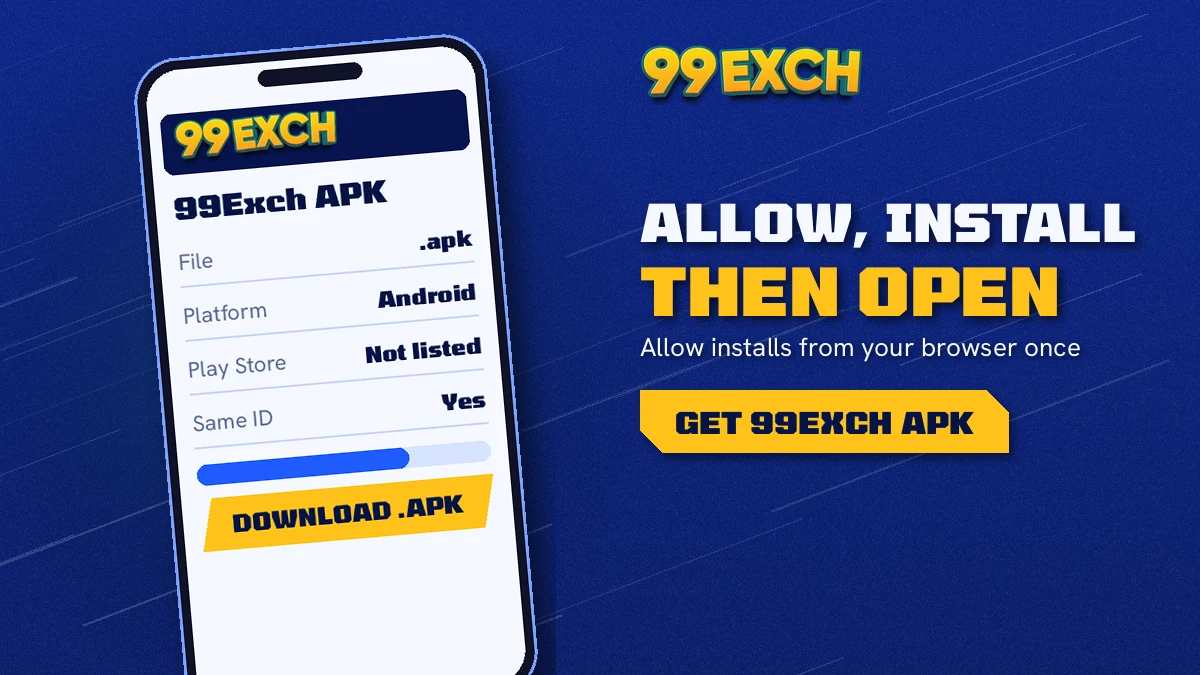
Your phone treats the browser as the installer here, which is why a 99Exch app download APK stalls until that browser is trusted. Android files this under install unknown apps. Grant it to the one browser you used, not to every app on the phone, and the 99Exch installer opens normally from then on.
The permission is given to the browser, not to 99Exch. After the 99Exch APK is installed you can switch it off again and the app keeps working. You will need to switch it back on the next time you install a new 99Exch .apk, though.
Wording varies a little between phone makers. On some handsets the switch reads "Allow from this source", on others it hides under Special app access, and a few older phones still use a single global "Unknown sources" tick. Same idea on all of them.
99Exch APK Install Switches — Three Quick Toggles in Order
- Allow from this sourceswitch on for your browser
- Installon the 99Exch installer screen
- Openthen sign in with your 99Exch ID
That is the full sequence. Allow, install, open. If Android jumps you to Settings in the middle, the first switch is the one it wants, and pressing back returns you to the second.
Three switches stand between the downloaded 99Exch file and a working app on your phone, and only the first of them is a setting you will not see again until the next update.
After you sign in
99 Exchange APK Inside — Live Cricket, Casino Tables and One Real Balance
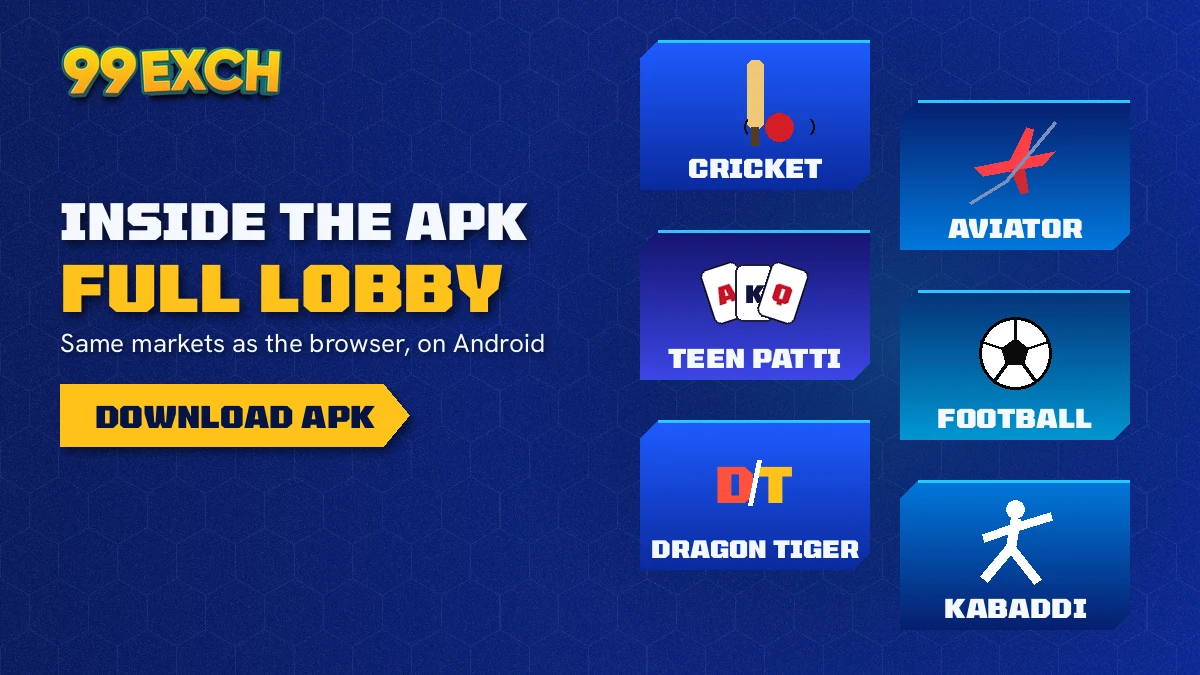
Inside the 99 Exchange APK you get the same account you would reach in a browser: the 99Exch sports exchange with cricket, football, tennis and kabaddi, plus the live casino and crash games, all drawing on one INR balance. Nothing is split between an app wallet and a website wallet.
| Area | In the 99Exch APK |
|---|---|
| Cricket fixtures | IPL, internationals, domestic T20, Tests |
| Cricket bet types | Back and lay, fancy and session runs, in-play |
| Other sports | Football, tennis and kabaddi on the same exchange |
| Live casino | Teen Patti, Andar Bahar, Dragon Tiger, roulette and baccarat |
| Crash games | Aviator and similar crash titles |
| Wallet | Rupee top-ups by UPI or bank, cash-outs from the same wallet screen |
| Help | The 99Exch WhatsApp desk, open 24x7 |
One balance is the part people ask about most. Top up through the wallet section, place a session bet during an IPL chase, move across to a Teen Patti table at the innings break, and it is the same money in the same place. No separate purse lives in the APK.
99Exch APK Demo ID — Free Practice Before Real Stakes
The Login with Demo ID button survives in the app too. It opens a practice ID with a demo balance, so you can find your way round the exchange ladder, try a back and a lay on the same match, or sit at a casino table without real money in play. Nothing earned there can be withdrawn. Most people use it for ten minutes, maybe less, then switch to their own 99Exch ID.
Is the app any different to the browser version? Mostly in how it opens, not what it holds; the 99Exch app page compares the two. Sign-in fields are the same as on the 99Exch login screen, so there is nothing new to learn there.
Keeping it current
99Exch APK Latest Version — Quick Update with a Fresh File
Whatever sits behind Download .apk today is the 99Exch APK latest version, full stop. Your phone will not fetch it for you. So updating means repeating the first download, then letting Android lay the new 99Exch file over the installed one.
- Download the new 99Exch .apk from the login screen, not from an old chat forward.
- Switch the browser permission back on if you turned it off earlier.
- Install over the existing app, then sign in with the same 99Exch ID.
Your balance sits on the account, not inside the phone, so a reinstall does not touch it. That's the reassuring bit.
Passing the app on works the same way. Tapping Share This Apk to Friend on the 99Exch screen sends the proper route rather than a loose file, which is what you want a friend to install from. (A forwarded .apk from your own Downloads folder works too, in theory, but the other person has no way of knowing that is where it came from.)
When should you update? Hard to say from the outside. If the app stops loading, the quicker test is to open the current 99Exch address in the browser first; if the browser signs you in and the app does not, it is probably time for a fresh .apk. Betting domains get blocked in India every so often, and 99Exch moves to a new working address when that happens, with the same ID and the same balance waiting there.
Before you trust a file
99Exch Black APK Warning — Stick to the Genuine Download
A so-called 99exch black APK is not an official 99Exch build. The only file 99Exch puts out is the one behind the Download .apk link on its own login screen. Anything else, however similar the icon, is a copy somebody else made, and you have no way to know what was changed inside it.
Simplest check: the route. Did the file come from tapping Download .apk on the 99Exch sign-in screen, or from a friend using Share This Apk to Friend on that same screen? Then it is the real one. Did it arrive as a bare file in a group chat, with a name promising extras? Than you are guessing.
- The genuine 99Exch login screen has no self-registration form. A copy that asks you to sign up with a form is not the real screen.
- The real app is not on the Play Store, so a store listing wearing the 99Exch name is not this file.
- A file that promises a fixed bonus in its name is making a claim 99Exch does not put on the screen; real offers are confirmed only through the 99Exch WhatsApp desk.
- If a login page inside an unknown APK asks for your user name and password, stop and change the password from the genuine screen.
(The word "black" in these searches usually just means "unofficial" — there is no black edition from 99Exch, and never has been one listed on the login screen.)
Apple phones reject .apk files, so this download is Android-only. An iPhone user reaches the same 99Exch ID in the browser and can pin it to the home screen; the 99Exch app page sets both routes side by side.
99Exch APK Search Terms — Official Names and Addresses Explained
Most people who search 99exch apk want the Android file, but the same account answers to a long list of names, and it helps to know which is which. 99exch, 99 exchange and 99 exchange com all mean one brand, and welcome to 99exch is simply the heading on its sign-in screen.
99Exch APK Download Names — Latest Official File Terms
99exch app download apk, 99exch com apk, 99 exchange apk, 99exch apk download and plain 99exch download all describe the Android file behind the Download .apk link. The 99exch apk latest version is whatever file sits there today, so downloading again is the update. Once installed, the 99exch app and the 99 exchange app are the same thing.
- 99exch id and 99 exchange id mean the user name and password you sign in with.
- A 99exch new id, sometimes searched as 99exch new id number, is issued in chat; the 99exch whatsapp number, 99exch com whatsapp number and 99 exchange customer care number searches all lead to that same desk.
- 99exch sign up, 99 exchange sign up and 99exch register happen in WhatsApp, not on a form.
- The 99exch demo id gives a practice balance with nothing withdrawable.
99Exch Login Terms — Secure Addresses That Open the Same ID
99exch login, 99 exchange login, 99exch com login and https 99exch com login are ways of reaching the sign-in page, and the 99exch login password (or 99 exchange login password) is the issued one until you change it. Because betting domains get blocked, 99Exch keeps new addresses: https 99exch com, 99exch com m home, 99exch m login, 99exch red, 99exch green, 99exch win, 99exch win login, 99exch in, 99exch in login, 99exch io, and 99exch live with 99exch live login and 99 exchange live.
- Open whichever 99Exch address loads for you.
- Enter the same 99Exch ID and password.
- See the same balance, on the website or in the APK.
99Exch APK Questions — Quick, Verified Answers
How do I download the 99Exch APK on my Android phone?
Open the 99Exch login screen in your Android browser and tap Download .apk below the Login buttons. Keep the file when the browser warns you, open it, allow that browser to install unknown apps, then tap Install. Sign in with your existing 99Exch user name and password once it opens.
Can I find the 99Exch APK on the Google Play Store?
No. Google Play has no 99Exch listing, and that is expected rather than a fault. The Android file is handed out straight from the 99Exch sign-in screen through its Download .apk link. Treat any Play result carrying the 99Exch name as unrelated to your account and your balance.
How do I get the 99exch apk latest version?
Download the file again from the Download .apk link on the 99Exch login screen and install it over your current app. Updates do not arrive through a store. Turn the browser permission back on first if you switched it off, then sign in with the same 99Exch ID and password.
Is the 99Exch APK safe to install?
The genuine 99Exch APK is the one from the Download .apk link on the official 99Exch login screen, and that is the only copy to install. Files forwarded in chats or listed elsewhere cannot be checked. Allow unknown apps only for the browser that downloaded it, and change your issued password after the first login.
What is the 99exch black APK?
The 99exch black APK is not an official 99Exch release. It is an unofficial copy passed around outside the login screen, and nobody can confirm what it contains. Delete it and download the real file from the Download .apk link on the 99Exch sign-in screen, then log in with your usual ID.
Is there a 99Exch APK for iPhone?
No, an APK installs only on Android, so there is no 99Exch APK for iPhone. iPhone users open the 99Exch login screen in the browser and add it to the home screen, which gives a one-tap shortcut. The same 99Exch ID and balance work there as in the Android app.
Can I log in to the 99Exch APK with my existing ID?
Yes, the 99Exch APK opens with the same user name and password you already use on the website. There is no separate app account. Your balance stays the same across the app, the browser and any new 99Exch address, because it belongs to the ID and not to the phone.
99Exch APK Related Searches — Popular Download Terms
Other ways people search for the 99Exch Android file
- 99exch apk download kaise kare
- 99exch app download apk
- 99 exchange apk latest
- 99exch com apk file
- 99exch apk install nahi ho raha
- 99exch id kaise banaye
- 99exch black apk
- 99exch app iphone me kaise chalaye
- 99exch apk update kaise kare
- 99 exch toss kaise khele
- 99exch download android