99Exch App — Official Android Home for Back-Lay Odds and Teen Patti
Short answer: on Android, install the 99Exch app from the Download .apk link; on an iPhone, skip the app and save a Safari shortcut. Take the app if you open 99Exch daily, the browser if you only drop in or cannot install outside files. Neither route changes your ID or balance.
- Android .apk, not Play Store
- iPhone: home-screen shortcut
- 1 ID, 1 balance
- 24x7 WhatsApp desk


LOGIN
Same screen in the app and the browser
User Name PasswordThe 99Exch sign-in screen is protected by reCAPTCHA.
Share This Apk to FriendApp or browser
99Exch App or Browser — Which Fast Route Fits Your Phone?
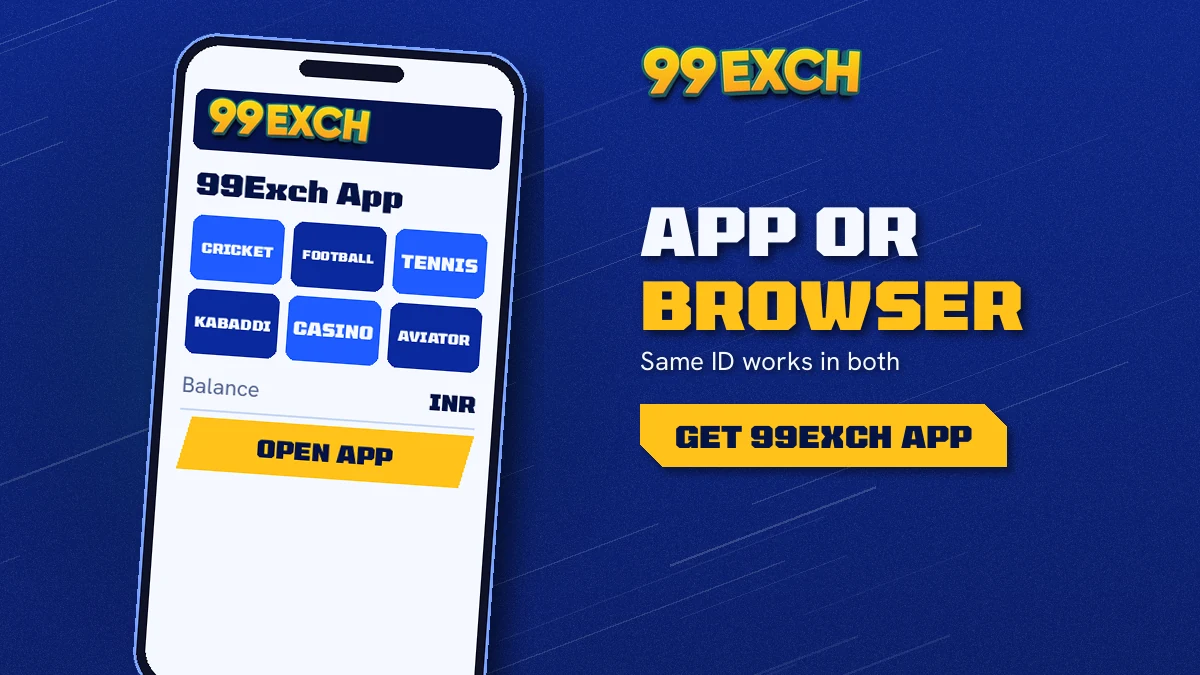
On Android, take the 99Exch app if you open the exchange most days; on an iPhone, or on any phone that refuses outside files, the browser does the same job. Neither route gets a different account. Your 99Exch user name, password and balance are identical on both, so the choice is about convenience only.
| Point | 99Exch app (Android) | 99Exch in a browser |
|---|---|---|
| Where it comes from | Download .apk link on the 99Exch login screen | Any working 99Exch address typed or bookmarked |
| Play Store listing | None; the file installs from outside the store | Not needed |
| One-time permission | Allow "install unknown apps" for your browser | None |
| Updates | A newer .apk, installed over the old one | Nothing to update |
| iPhone | Cannot install an .apk | Works, and can be pinned to the home screen |
| Login fields | User Name, Password | User Name, Password |
| Demo ID button | Yes | Yes |
| Balance | Same single wallet | Same single wallet |
Ways onto one 99Exch account from a phone: the Android .apk or a browser tab. Pick either and the markets, the casino lobby and the wallet look the same once you are in.
So what actually differs? Mostly the first ten seconds. With the app, one tap on the icon brings up the 99Exch sign-in, with no address to remember and no tab hunting. A browser user types or bookmarks the address, which is fine until that address gets blocked and the bookmark leads nowhere (more on that further down).
Then there is the install itself. Android asks you to allow unknown apps for the browser that downloaded the file, once. Some people are uneasy about that step, and honestly that that is a fair reason to stay in the browser. Nothing on 99Exch is locked behind the app. (Nor does the app change the legal side: the 18+ rule applies to both routes, and betting rules vary by state, so that check stays yours.)
A common pattern: someone checks the 99Exch cricket odds on a work laptop during the afternoon, then carries on from an Android phone on the evening train. Laptop browser, phone app. Same ID, same balance, and the bet placed at four o'clock is sitting in the open bets list when the app opens at seven.
99Exch Browser Login — The Safe Pick for Shared Phones
Some phones simply are not yours to install things on. A work handset managed by an employer, a family tablet, a phone with the unknown-apps switch locked by a parent or an office policy: on all of these, 99Exch in the browser is the route that works, and it asks for nothing beyond the address.
Occasional visitors are better off in the browser as well. If you open 99Exch twice during a World Cup and forget it for months, there is little point keeping an .apk around that will probably need replacing by the time you come back to it.
99Exch App — The Fast Pick for Daily Cricket Users
Daily users. Anyone who follows cricket through the week, opens 99Exch before every IPL game and wants the sign-in one tap from the home screen rather then buried in a list of browser tabs. As a side effect, 99Exch stays out of your browser history and away from the pile of shopping and news tabs, which some people like for its own sake.
Inside the app
99Exch Mobile App Home Screen — Best Layout for Quick Betting
Sports
Casino
The sketch on the left is labels only, not a screenshot, but it follows the order the 99Exch app puts things in once you log in: the balance at the top, sports next, the casino after that, and a short menu along the bottom edge of the screen.
- Balance first. It is the one number that follows you from 99Exch sports to 99Exch casino.
- Sports row: cricket, football, tennis and kabaddi, each opening its own list of matches.
- Casino row second. Moving from a cricket match to a card game never asks you to sign in again.
- Bottom menu for jumping between home, live matches, the casino and the wallet section.
That is the theory, anyway. In practice most 99Exch users go straight from login to a single cricket match and barely touch the rest.
New to the layout? Login with Demo ID on the 99Exch app opens this same home screen with practice money, so you can tap through the sports row and the casino row without spending anything real.
Markets and tables
99Exch App Sports and Casino Lobby — Full Live Market Menu
In daily use the 99Exch app behaves like the full site with its own icon, not a smaller cousin of it. Sports exchange, cricket fancy and session lines, in-play, live casino, crash games: every one is there, because the app signs into the same 99Exch account a browser would.
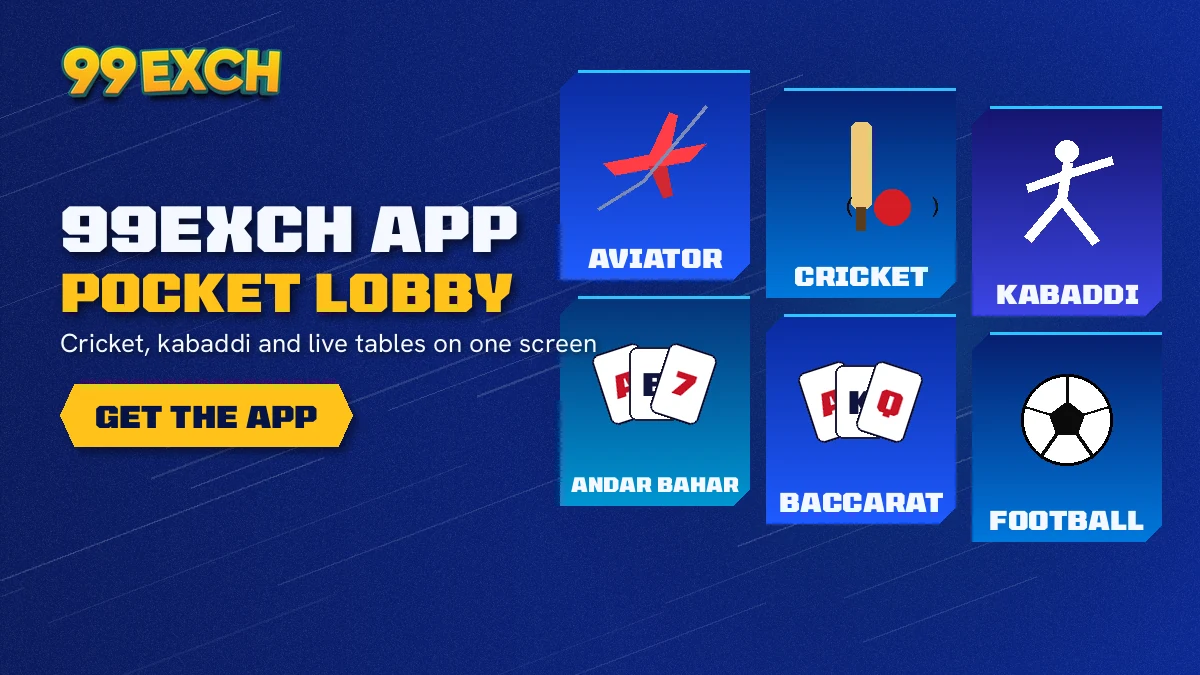
Cricket gets the most room. IPL, internationals, domestic T20 and Tests all show up, and on each match you can back a side (bet that it wins) or lay it (bet that it does not). Fancy and session markets sit under the main odds, so a punter following the powerplay can take a view on runs in a set of overs without leaving the match page.
Football, tennis and kabaddi follow the same back-and-lay pattern. Fewer side markets, same idea.
In-play is where the phone earns its place. Inside the 99Exch app a match page stays open while play goes on, and the odds move as the game does; you can back or lay at any point the market is open, then check the bet in your open bets list from the same screen. Nobody needs a laptop for that.
| 99Exch section | What you find |
|---|---|
| Cricket | IPL, internationals, domestic T20, Tests; back and lay, fancy, session, in-play |
| Other sports | Football, tennis, kabaddi with back and lay odds |
| Live casino | Teen Patti, Andar Bahar, Dragon Tiger, roulette, baccarat |
| Crash games | Aviator and similar titles |
| Wallet | INR balance, UPI and bank deposits and withdrawals |
The casino side of the 99Exch app is where the one-balance setup matters most. Money won on a Test match can go straight into a Teen Patti table, and chips left over from Aviator can back a side in the evening IPL game, without any transfer between wallets. Deposits and withdrawals happen in the wallet section by UPI or bank, in rupees.
Coverage of the 99Exch live in-play markets has its own page if you want the detail on betting while the ball is being bowled.
Sign-in
99Exch App Login — Secure Sign-In With Your Issued ID
Sign-in stays exactly as it is inside the app. Same two fields, same Login button as any 99Exch address in a browser; the only gain is that the screen sits one icon tap away. No part of the 99Exch app creates an account, which is why a newcomer's first stop is the WhatsApp desk, not the icon.
Below Login sits a second button, Login with Demo ID. It opens 99Exch with practice money (nothing on it can be withdrawn) and it is a sensible way to learn where the fancy markets live before any real deposit.
After a good login the app lands on the home screen with your balance at the top. From there the wallet section handles deposits by UPI or bank transfer in rupees, and the same section is where withdrawals are requested later on. Nothing about the wallet is app-only; the browser has the identical section.
A Demo ID session and a real session look alike inside the 99Exch app. Check which button you pressed before assuming a win can be withdrawn.
Everything else about signing in, from a forgotten password to reCAPTCHA hiccups, is covered on the 99Exch login help page.
99Exch App Download and Login — Official Access Notes
Searches for the 99exch app, the 99 exchange app or a plain 99exch download all end at the Download .apk link on the Welcome to 99exch login screen, which is where the 99exch apk and every 99exch apk latest version after it comes from; the terms 99exch app download apk, 99exch com apk and 99 exchange apk describe that same Android file, and 99exch itself stays one account however you open it.
Login routes and working addresses
99Exch Login Routes and Working Addresses in One Place
- A 99exch login, 99exch com login or 99 exchange login lands on the same two-field screen, and so does typing https 99exch com login or plain https 99exch com into a browser.
- Betting domains get blocked in India, so 99exch red, 99exch green, 99exch win, 99exch in, 99exch io, 99exch live and 99 exchange com are address names, not features; 99exch win login, 99exch in login, 99exch live login and 99 exchange live open the same ID with the same balance.
- The lighter 99exch com m home address and the 99exch m login page are mobile routes to that same sign-in.
- The 99exch login password, or 99 exchange login password as some type it, is one pair of details for every route listed above, app or browser.
IDs, sign-up and the WhatsApp desk
99Exch ID, Sign Up and the 24x7 WhatsApp Desk
A 99exch id or 99 exchange id comes from a chat rather than a form: 99exch sign up, 99 exchange sign up and 99exch register all mean messaging the desk you reach through the 99exch whatsapp number, also searched as the 99exch com whatsapp number, which works as the 99 exchange customer care number too. A 99exch new id (people look for a 99exch new id number as well) follows the same chat, and the 99exch demo id is the practice login that carries no real money.
Android and iPhone
99Exch App Download on Android and iPhone — Free Setup Steps
Android phones install the 99Exch app from the .apk file on the login screen; iPhones cannot run that file, so they get a home-screen shortcut to the 99Exch site instead. Both are free, and both finish on the same User Name and Password screen.
For Android, the file download, the unknown-apps permission and updating to a newer build are all on the 99Exch APK download page, so they are not repeated here.
Four taps, no download: that is the iPhone route. Safari is the browser to use for this, because the Add to Home Screen option lives in its Share menu.
- Open the working 99Exch address in SafariLoad the current address and wait for the Welcome to 99exch login screen to appear.
- Press Share at the bottom of SafariScroll the sheet that slides up until the Add to Home Screen row shows.
- Choose Add to Home ScreenKeep the suggested name or type 99Exch, then confirm with Add.
- Launch 99Exch from the iconIt opens the sign-in screen, where the user name and password from your chat go in.
One catch with the shortcut: it points at the address you saved. When that address gets blocked, delete the icon and repeat the four steps on the new one. Your 99Exch ID does not change.
One more Android detail: Share This Apk to Friend. That link hands over the installer and nothing else, so the friend stil has to get a 99Exch ID of their own from the WhatsApp desk. No account travels inside the .apk. An app without an ID is just a login screen.
Troubleshooting
99Exch App Not Opening? Quick Fixes That Actually Work
When the 99Exch app stops opening, the cause is usually one of two things: the address behind it was blocked, or the installed .apk is old. Grab the newest .apk from a working 99Exch login screen and install it over the top, and the app usually comes back. Your ID and balance are untouched either way.
- Blank screen or endless loading. Probably a blocked address in your area. Open the next working 99Exch address in a browser; the same ID and balance load there.
- Old build on the phone. 99Exch app updates never come from a store. They turn up as a new .apk behind the login screen link, and it installs on top of the current one.
- Phone refuses to install the file. The unknown-apps permission is off for the browser you used. Turn it on for that browser once, then run the file again.
- reCAPTCHA loop. Usually a half-finished check. Complete every round it asks for; if the 99Exch app still bounces back, use a browser tab for now and try the app later.
If none of that helps, message the 99Exch WhatsApp desk, which runs 24x7 and can confirm which address is live right now. For the blocked-address problem that chat is probably the quickest fix of all.
On an old or slow phone, the lighter 99Exch m home address is worth trying before you reinstall anything.
99Exch App Questions — Quick Verified Answers
Is there an official 99Exch app?
Only Android gets a file. Tap Download .apk on the 99Exch login screen; Google Play never carries it, so a copy picked up from any other source is not ours. iPhone? Skip the hunt. Safari's Add to Home Screen pins a 99Exch icon that launches straight into the sign-in card.
Should I use the 99 exchange app or the website?
Use whichever suits your phone, because both open the same 99Exch account. The Android app keeps 99Exch one tap away with no address to type. The browser needs no install and works on iPhones, laptops and any Android phone that blocks files from outside the store.
Can I get the 99Exch app on an iPhone?
There is no iPhone download of the 99Exch app. iPhone users reach the same account by saving the 99Exch site to the home screen from Safari, which puts an icon beside their other apps. Everything inside, from cricket markets to casino tables, matches the Android app and the website.
How do I log in on the 99exch app?
Enter the two details from your WhatsApp chat with the 99Exch desk: user name in the first field, password in the second, then Login. First-timers need that chat before anything else, because the app cannot create an ID. Swap the password for your own once you are in.
Why is my 99Exch app not opening?
Usually the address behind it has been blocked or the installed .apk is out of date. Download the newest .apk from a working 99Exch screen and install it over the old one, or open the next address in a browser. Your ID and balance stay exactly the same.
Does the 99Exch app use the same balance as the website?
Yes. There is one 99Exch account with one balance, whether you sign in through the Android app, a browser tab or an iPhone shortcut. Deposits and withdrawals made in the wallet section show up everywhere, and cricket, football and casino games all draw on that single balance.
99Exch App Searches — Top Related Phone Queries
People looking for the 99Exch app also type:
- 99exch app download
- 99 exchange app login
- 99exch mobile app
- 99exch app kaise download kare
- 99exch app iphone me kaise chalaye
- 99exch apk latest version
- 99exch app login problem
- 99exch id kaise banaye
- 99 exchange app update